

Everyday Activity Logs
Record meals, naps, and general activities in a straightforward daily log, without turning documentation into a separate project.

Kindervillage Care
Kindervillage Care makes it simple for small childcare providers to record the day and keep families informed, with educators in control of every update.
Ready to support your work. Get in touch to see how Care can work for you.
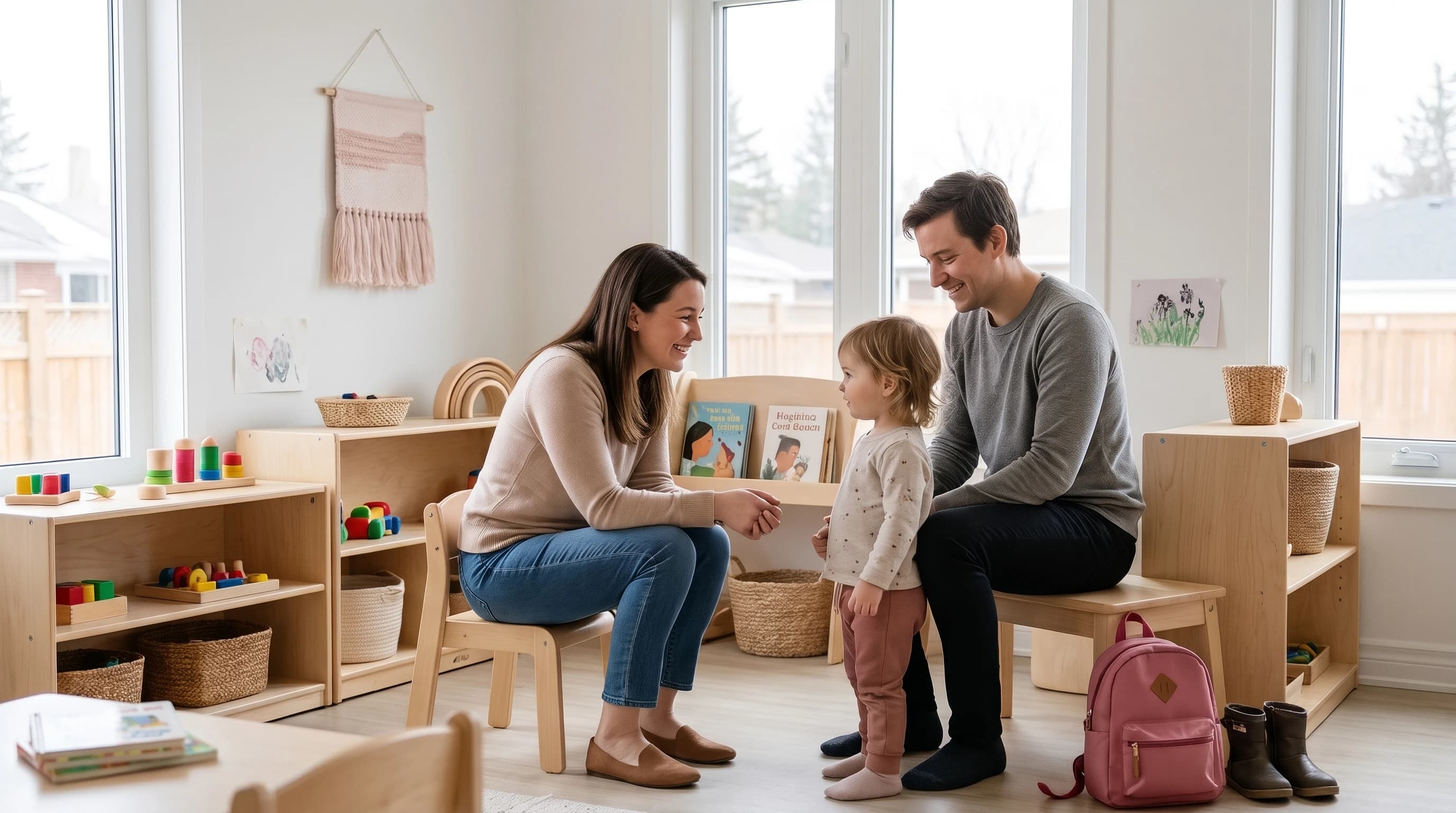
Everyday tools
Communication first, without all-in-one complexity. Built for small childcare centres and home daycares.
Record meals, naps, and general activities in a straightforward daily log, without turning documentation into a separate project.
Attach activity photos to child-specific updates, with photo-sharing consent and appropriate access for authorized families.
Prepare a child-specific summary that brings the day's records together, then review it before sharing it in the family feed.
Give educators and authorized parents a direct place to ask questions and stay connected around everyday updates.
An optional writing assistant
Care turns existing daily records into a parent-friendly draft with optional AI-assisted writing. Educators remain responsible for reviewing and approving every update.
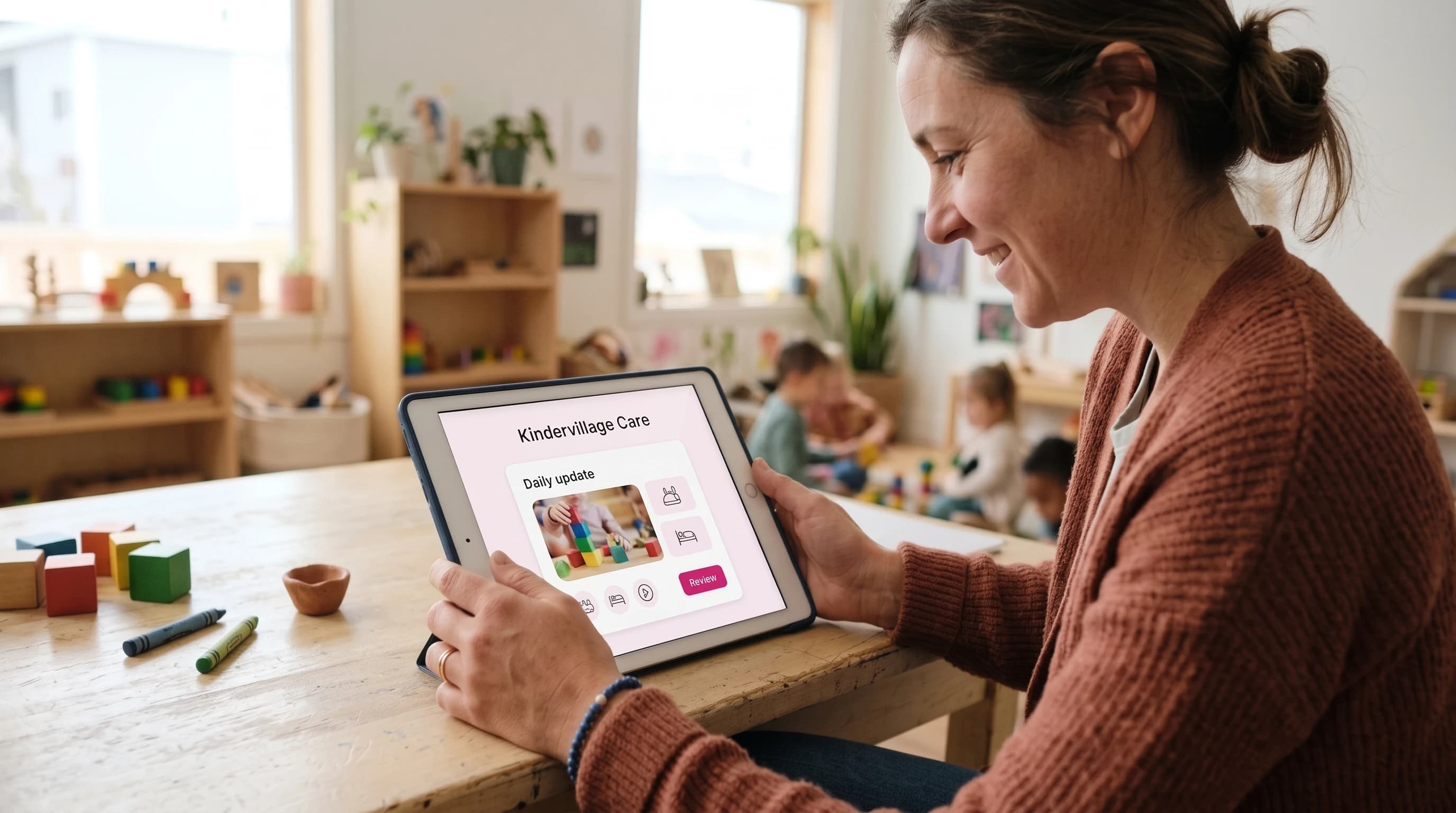
The daily workflow
Record, prepare, review, and connect. A deliberate approval step keeps educators in control of what families receive.
Log meals, rest, and activities, and attach photos where sharing is permitted.
Write a summary or create an optional AI draft based only on the records you entered.
Check the details, edit the wording, and decide what is ready to share.
Share the approved update with authorized families and continue the conversation.
A simpler way to work with Care
See how Kindervillage Care helps your centre or home daycare communicate with families.
See how Care can support your work.
Images are AI-generated illustrations with fictional people; product visuals are illustrative.