

One Clear Class Page
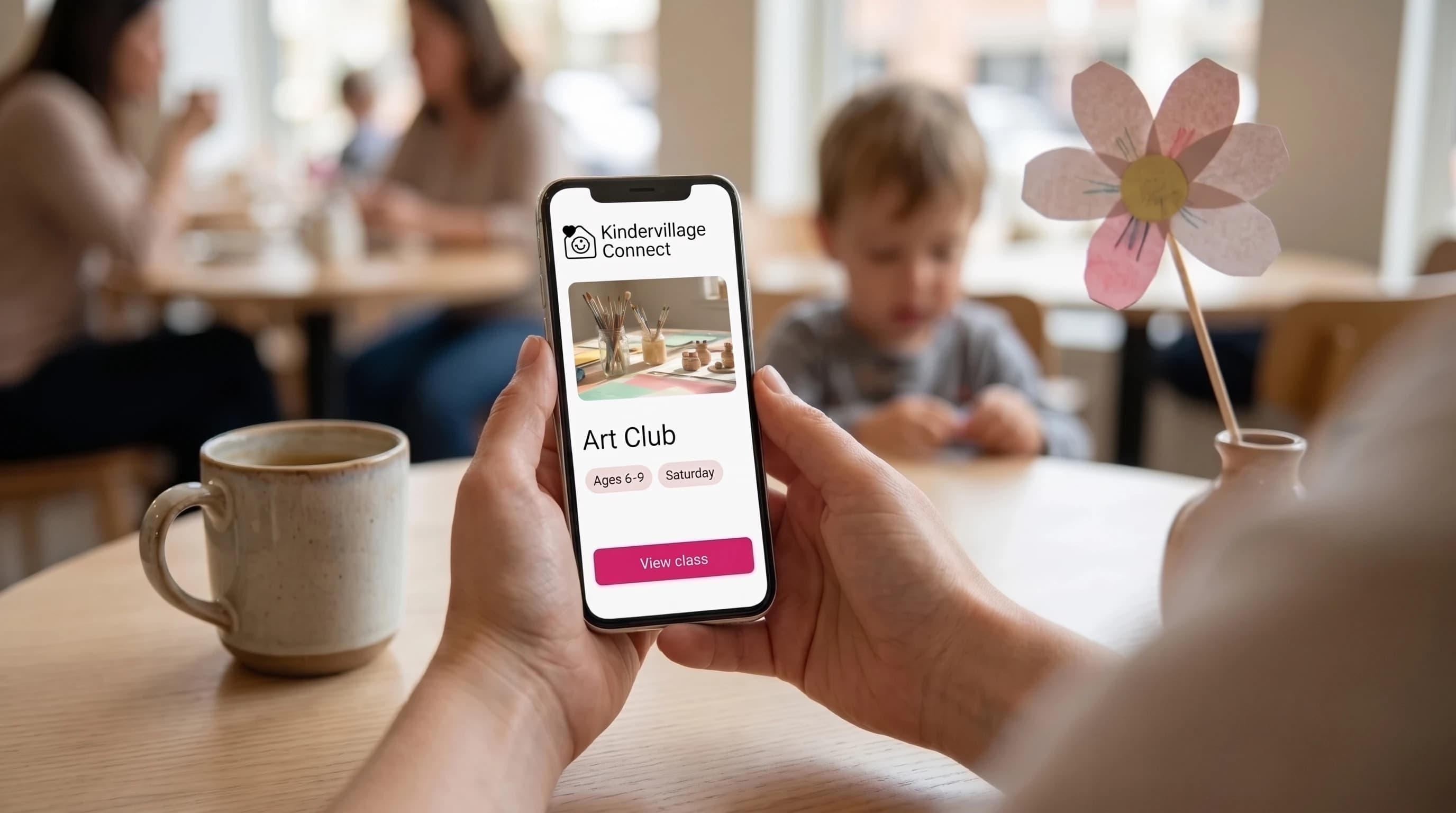
Bring age ranges, schedules, location, photos, teacher introductions, and FAQs together in a mobile-friendly link.

Kindervillage Connect
Kindervillage Connect brings class information, reservations, and family follow-up together, so families can explore your classes without the back-and-forth.
Ready to support your work. Get in touch to see how Connect can work for you.

For independent activity providers
Designed for small art, pottery, crafts, coding, cultural, and language-class providers, Connect guides families from first interest to class reservation.
Add the class details and practical information families need to decide.
Use the same page on your website, in your social bio, and in your ads.
Give families a clear route to a reservation, a trial, or an enquiry.
Follow up with interested parents and manage your class list in one place.
Tools for families
Bring the schedule, open spots, and everyday questions together, without making parents search posts or wait for a reply.
Bring age ranges, schedules, location, photos, teacher introductions, and FAQs together in a mobile-friendly link.
Let families check available spots and reserve a trial or a term without starting a conversation in DMs.
Give parents a way to ask a question, request the schedule, or join a waitlist when they aren't ready to book.
Behind the class page
A shared workspace brings enquiries, trial reservations, and enrolments into one place, so the next action is easier to find.
Plan confirmations, reminders, and follow-up emails around a family's interest, with consent and clear opt-out choices.
Keep class lists, family records, booking history, and payment status together while using your existing payment methods.
Explore a clearer view of where enquiries, trials, and enrolments come from, including your shared links and ad campaigns.
Families reserve online and pay you through the methods you already use, such as cash, e-transfer, or your own payment link. Connect does not process payments.
Connect focuses on your own class page, reservations, and parent follow-up; it is not a class-discovery marketplace.
A simpler way to work with Connect
See how Kindervillage Connect helps families find your classes and makes booking simpler.
See how Connect can support your work.
Images are AI-generated illustrations with fictional people; product visuals are illustrative.