

A Helpful Starting Point
Browse reusable prompt examples built around clear learning scenarios, starting with focused mathematics practice.

Kindervillage Create
Kindervillage Create helps educators, tutors, and learning programs make AI-assisted worksheets with editable prompts and thoughtful review at every step.
Ready to support your work. Get in touch to see how Create can work for you.

For educators & learning providers
Create keeps your learning goal clear and review part of the process. Start with mathematics practice and adapt prompts to your lesson.
Begin with a learning scenario that matches the skill you want to practise.
Edit the instructions, difficulty, and number of exercises for your lesson.
Create a worksheet and answer key as a starting point, not a finished guarantee.
Check the content and layout, revise as needed, and inspect the file before use.
Worksheet creation tools
Use a prompt gallery and editable generator to create practice worksheets and answer keys tailored to your learning goals.
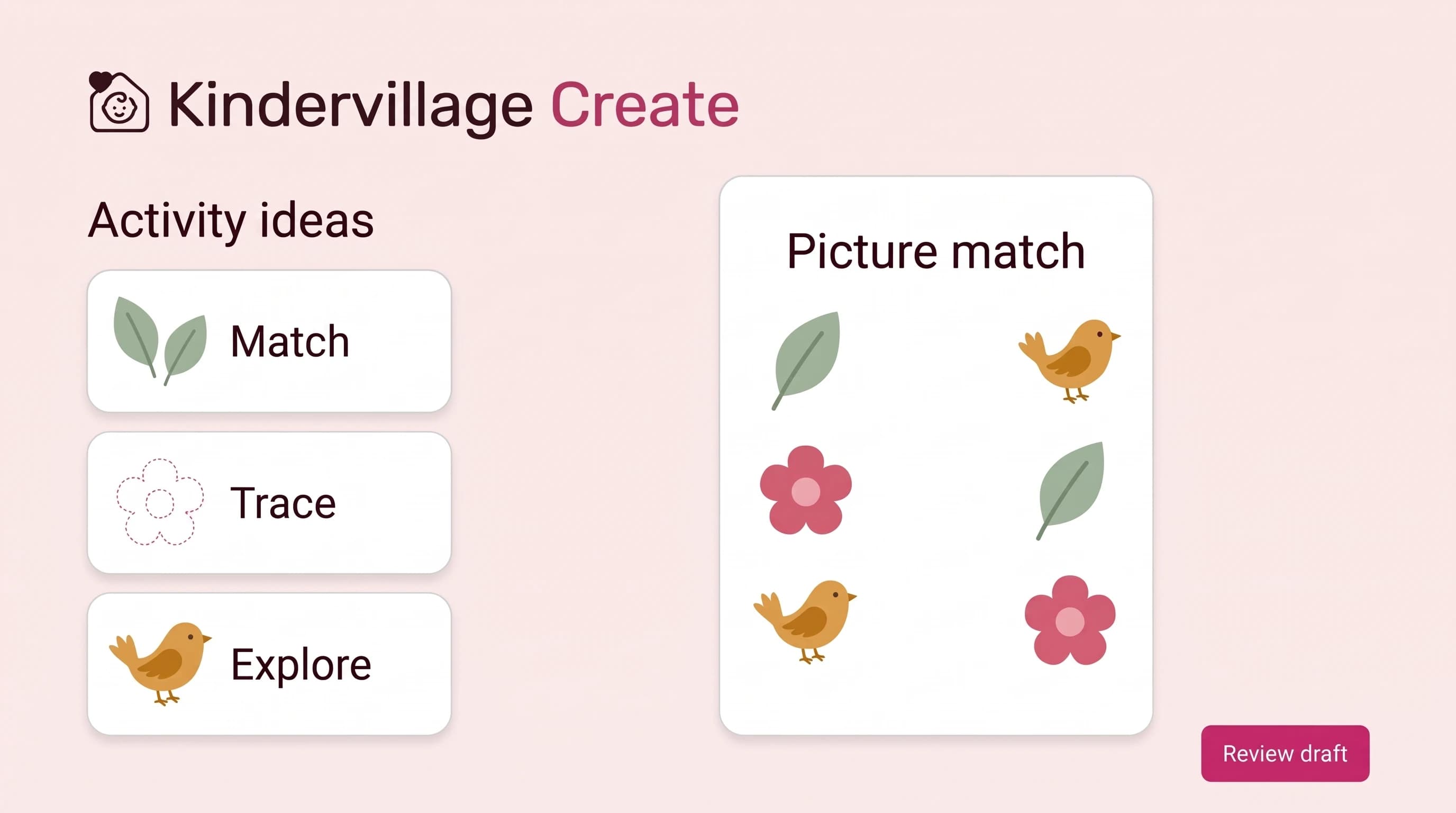
Browse reusable prompt examples built around clear learning scenarios, starting with focused mathematics practice.
Adjust learning goals, difficulty, and exercise count to suit your learners.
Generate an initial worksheet and answer-key draft from your instructions, then decide what needs refining.
Check questions, answers, instructions, and layout before downloading or using materials with learners.
Educator judgement comes first
AI can miss instructions, symbols, or spacing even when its answers are correct. Treat each result as a draft and review it before printing or sharing.
Language adaptations, learning-support layouts, and subjects beyond mathematics are not currently supported. AI-generated materials are not guaranteed to be accurate, accessible, or print-ready, and improved learning outcomes have not been established.

A simpler way to work with Create
See how Kindervillage Create helps you build and review worksheets for your lessons.
See how Create can support your work.
Images are AI-generated illustrations with fictional people; product visuals are illustrative.